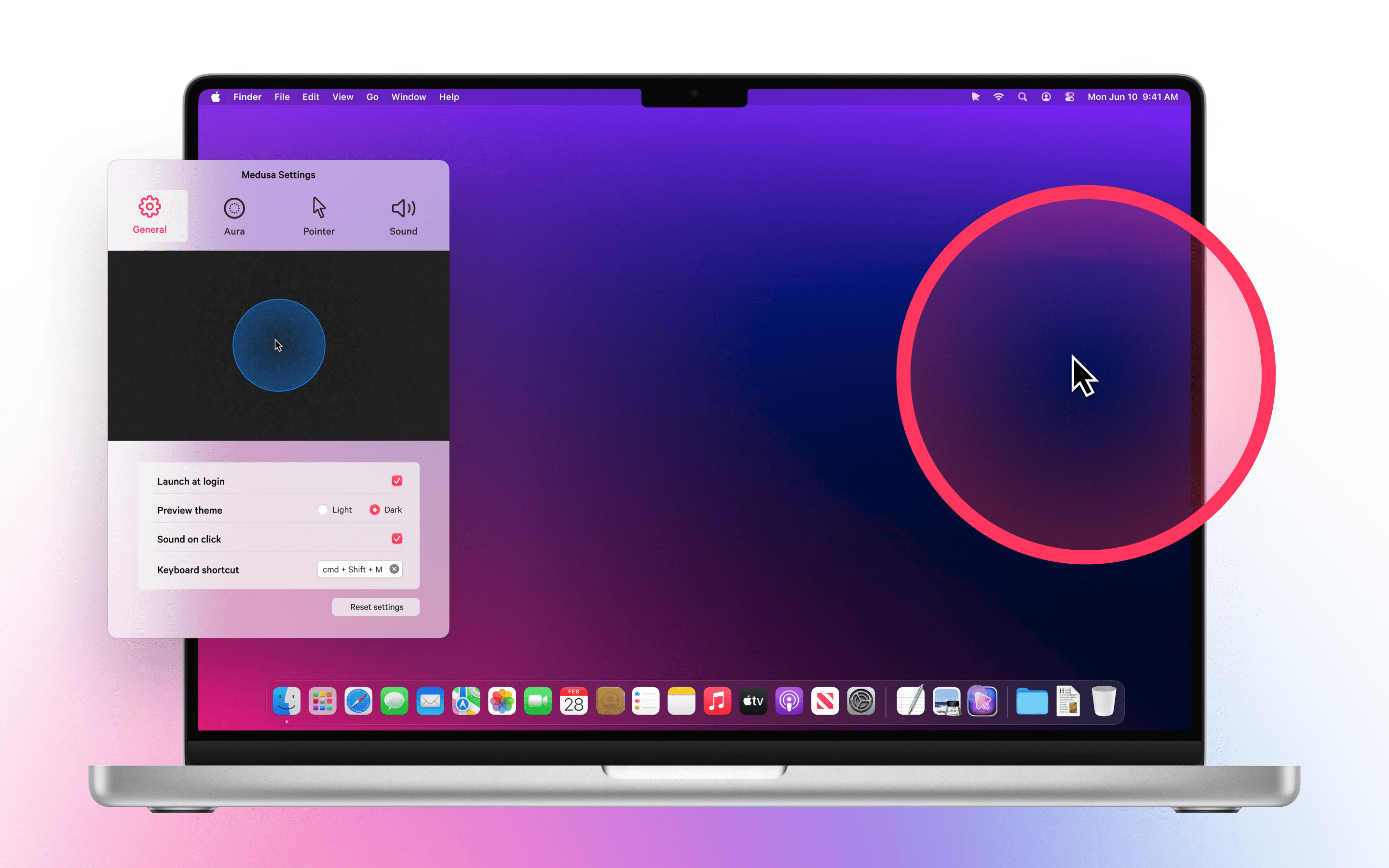
Medusa is a macOS app that makes the cursor easier to see in any context, from live coding sessions to everyday work. It adds subtle visual enhancements around the pointer so movements and clicks are always clear without feeling distracting.
Made for people who work on screen.
Medusa is designed for presenters, educators, live coders, tutorial creators and anyone who spends time sharing their screen. It helps audiences follow along, improves clarity in recordings and supports users who benefit from stronger visual focus on the cursor.
Features
Aura effects that highlight the cursor.
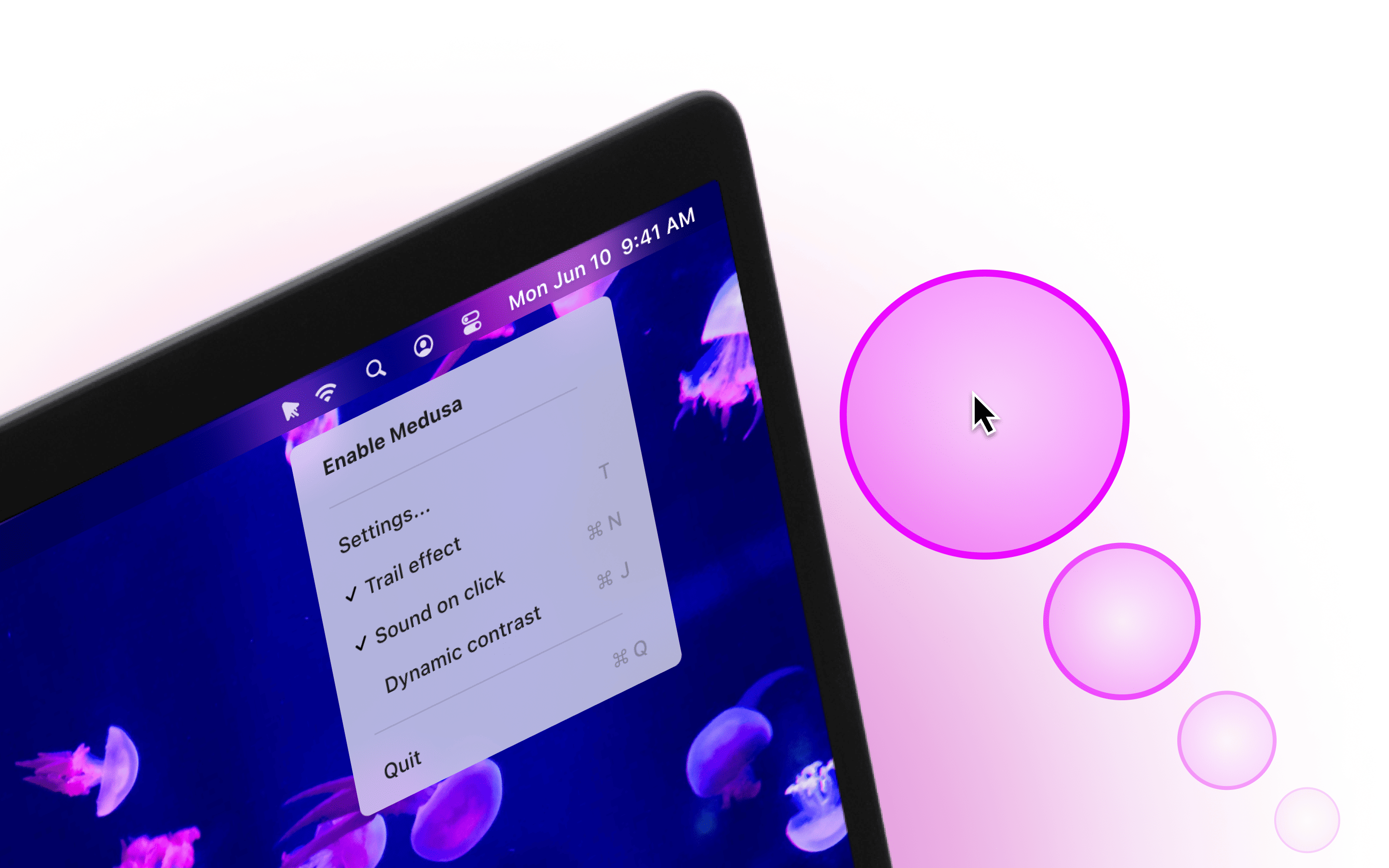
Soft rings surround the cursor to gently increase its presence, helping viewers track movements even on busy backgrounds.
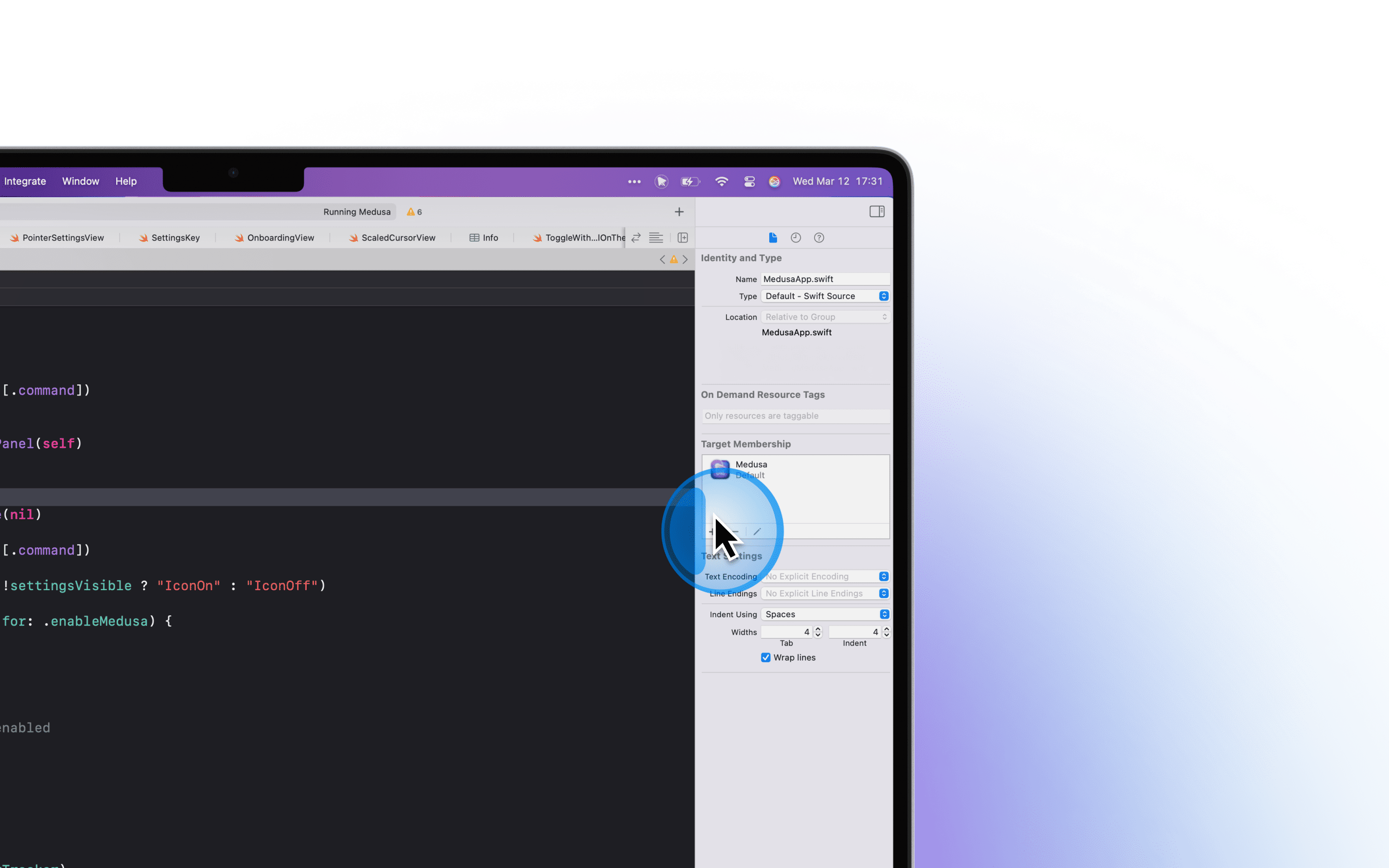
Dynamic trails that clarify motion.
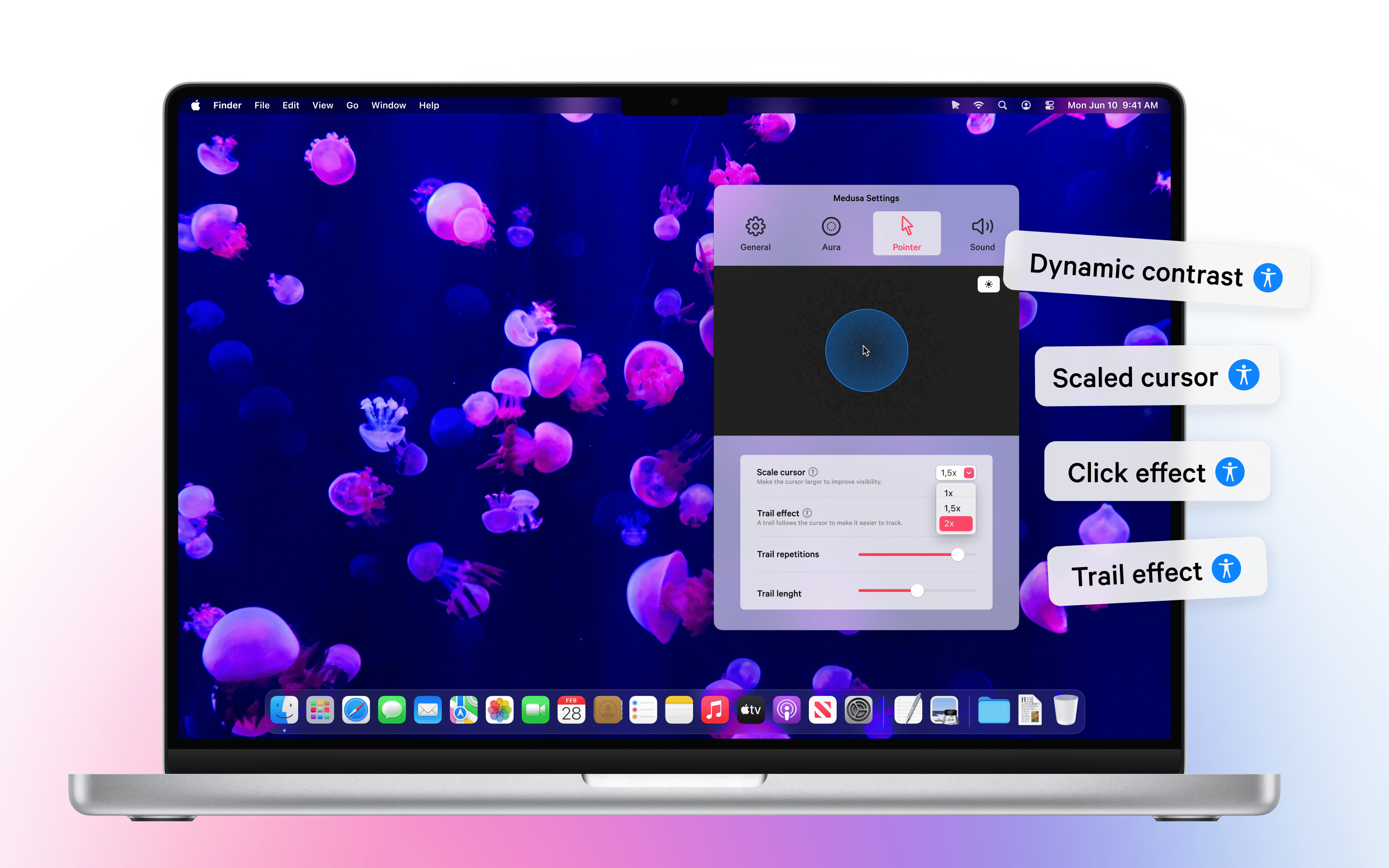
Smooth, customizable trails make it easy to follow fast cursor movements during presentations, live coding or screen sharing.
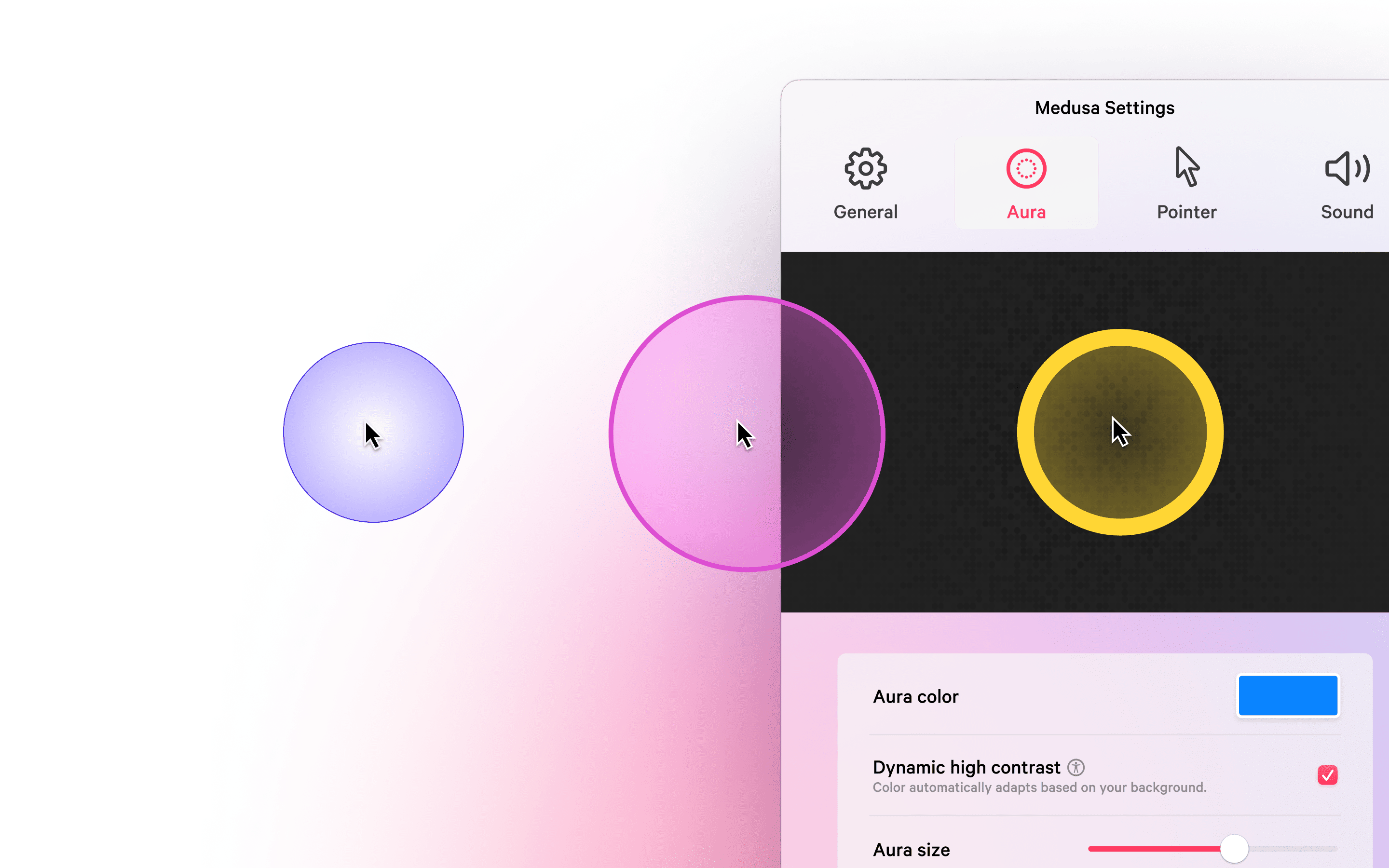
Adaptive contrast for any background.
Medusa intelligently boosts cursor contrast so it remains visible whether the background is light, dark or highly detailed.
Use Cases
For presenters & educators.
Keep audiences focused on what matters by making the cursor easy to follow during talks, workshops and live demos.
For live coders & developers.
Highlight the cursor while navigating code or debugging so viewers never lose sight of where changes happen.
For tutorial creators.
Record videos where cursor movements and clicks are immediately understandable, without extra post‑production work.
For accessibility & focus.
Support users who benefit from stronger visual cues, improving cursor visibility for visual impairments or attention needs.
Design Process
Medusa started from a practical need: during workshops and live coding sessions, the cursor was easy to lose against complex interfaces and screens. The goal was to create a visibility tool that felt native to macOS and respectful of the overall UI.
The team explored different visual treatments for auras, trails and click highlights, iterating until the effects were strong enough for large audiences yet subtle enough for everyday use. Adaptive contrast was introduced to keep the cursor readable across light, dark and high‑contrast backgrounds without manual adjustment.
Performance was a constant constraint. Medusa was optimized to remain lightweight and efficient so it can run continuously in the background, enhancing visibility without impacting system responsiveness.
Credits
Medusa is a project by Create with Swift ↗.
Crafted by Matteo Altobello, Emanuele Agosta, Flora Damiano, Giovanni Monaco and Pasquale Vittoriosi.
Designed to be seen.
Medusa enhances every movement of your cursor while staying out of the way of
your work.
Download on the App Store for macOS and make your cursor impossible to miss.